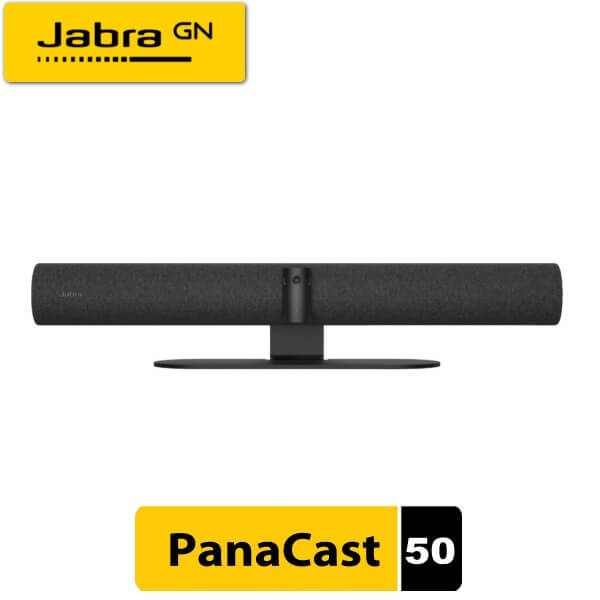
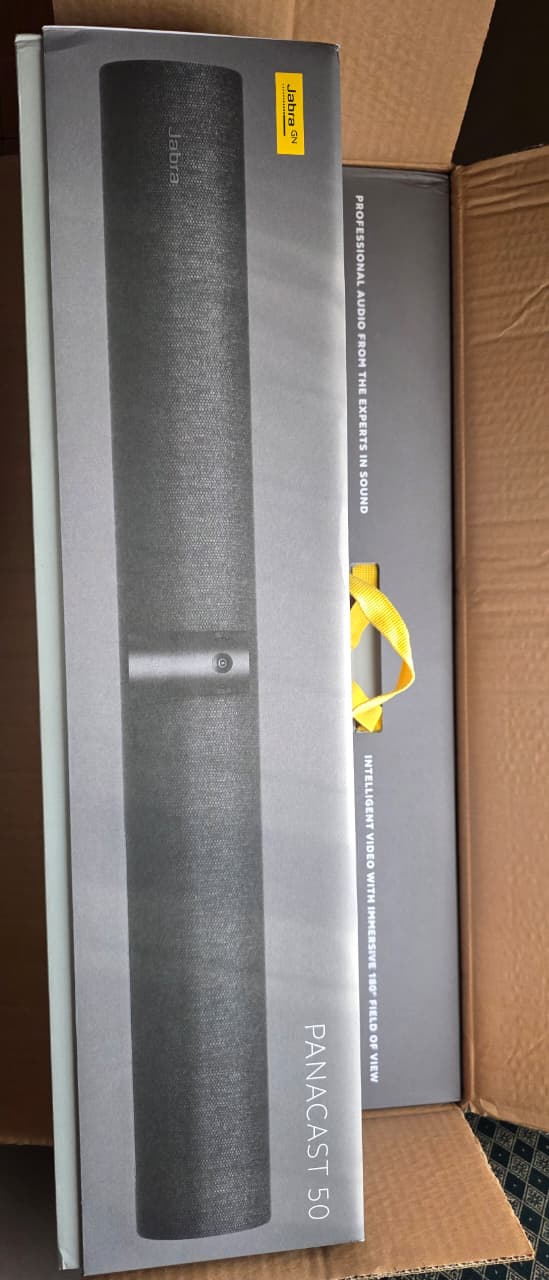
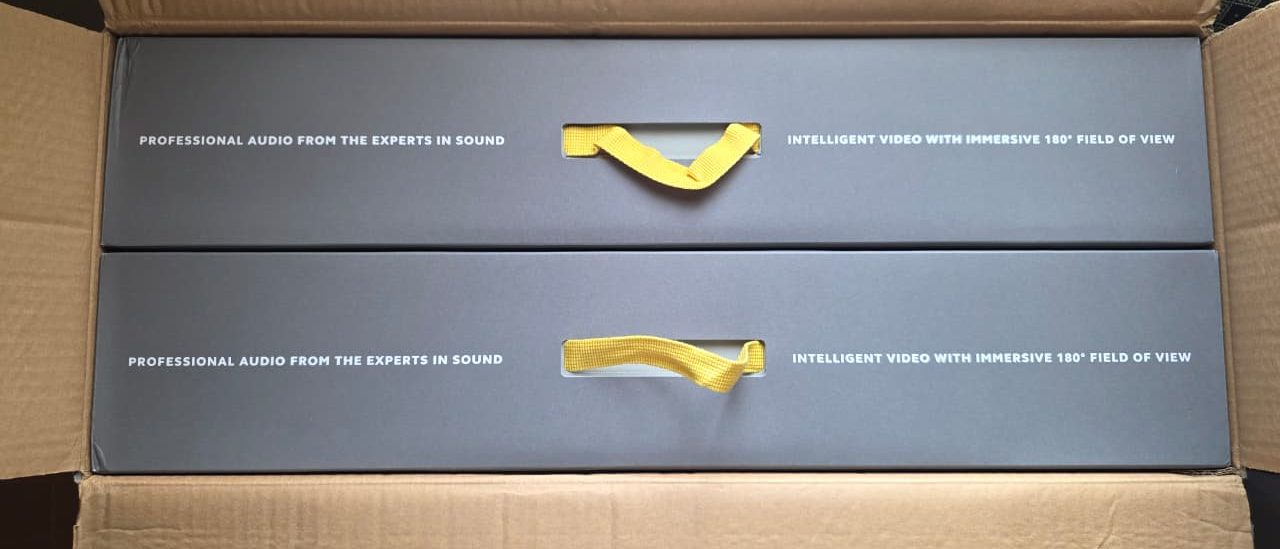
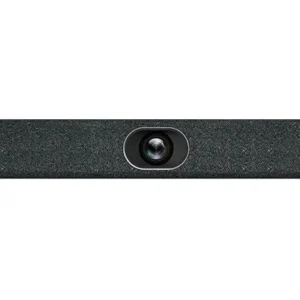
The Jabra PanaCast 50 is a premium all-in-one video bar designed for modern hybrid meeting rooms. With its groundbreaking 180° panoramic 4K view, intelligent AI features, and professional-grade audio, it ensures everyone in the room is seen and heard clearly — perfect for huddle rooms, boardrooms, and collaborative spaces in Kenya.
Whether you’re equipping offices in Nairobi, Mombasa, or Westlands the Jabra PanaCast 50 delivers inclusive, effortless video conferencing compatible with Microsoft Teams, Zoom, and more.
Why Buy Jabra PanaCast 50 from Buytec?
- Authentic Jabra products with warranty
- Competitive pricing with fast nationwide delivery
- Expert support for installation & setup in Kenya
Key Features & Benefits
The Jabra PanaCast 50 stands out with advanced hardware and AI:
- Panoramic 180° 4K UHD Video: Three 13-megapixel cameras with patented real-time AI video stitching deliver distortion-free panoramic views (3840 x 1080 @ 30fps). Capture the entire room without distortion.
- Intelligent Zoom & Virtual Director: 6x lossless digital zoom + AI speaker tracking automatically focuses on the active speaker for dynamic, engaging meetings.
- Premium Audio Performance: 8 beamforming microphones for crystal-clear voice pickup + 4 powerful speakers (2x 50mm woofers + 2x 20mm tweeters) with zero-vibration stereo sound.
- AI-Powered Insights: People Count for room occupancy analytics, Dynamic Composition, and whiteboard streaming.
- Easy Setup: Plug-and-play USB connectivity, wall mount included. Works seamlessly with leading platforms.
- Inclusive Design: Aux-Out for hearing assistance devices + full-duplex audio.
Perfect for: Medium to large meeting rooms (up to ~4.5m x 6m), hybrid teams, corporate offices, education, and government institutions in Kenya.
Technical Specifications
| Feature | Details |
|---|---|
| Video | Panoramic-4K (3840×1080 @ 30fps), 3x 13MP cameras, 180° Horizontal / 54° Vertical FOV |
| Zoom | 6x lossless digital |
| Microphones | 8 beamforming mics |
| Speakers | 4 (2x 50mm woofers + 2x 20mm tweeters), 80Hz–20kHz |
| Connectivity | USB 3.0 Type-C, compatible with Teams, Zoom |
| Dimensions / Weight | ~650mm x 80mm x 125mm / ~2.2 kg |
| Mounting | Wall mount included, optional table stand |
| Certifications | Microsoft Teams, Zoom |
Jabra PanaCast 50 vs Logitech Rally Bar vs Yealink MeetingBar – Comparison
Choosing the right video conferencing bar depends on your room size, budget, and priorities. The Jabra PanaCast 50 excels in panoramic coverage for inclusive meetings, while competitors offer different strengths.
| Feature | Jabra PanaCast 50 | Logitech Rally Bar | Yealink MeetingBar A40 |
|---|---|---|---|
| Best For | Small to Medium rooms (huddle & boardrooms) | Medium to Large rooms | Small to Medium rooms |
| Camera / FOV | 180° Panoramic (3x 13MP cameras, stitched) | 4K PTZ, ~90° Diagonal (82° Horizontal) | 4K, Wide-angle with AI framing (~120°+) |
| Resolution | Panoramic 4K (3840×1080 @ 30fps) | 4K UHD @ 30fps | 4K UHD |
| Zoom | 6x Lossless Digital | 15x HD Zoom (5x Optical + Digital) | High hybrid zoom (model dependent) |
| AI Features | Virtual Director, Speaker Tracking, People Count, Dynamic Composition | RightSight 2 AI Framing, AI Viewfinder | AI Auto-Framing, Speaker Tracking |
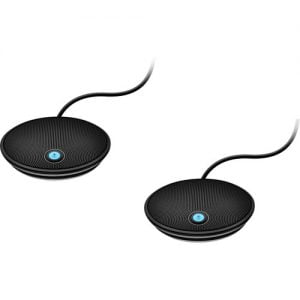
| Microphones | 8 Beamforming | 6 Beamforming (+ expandable mic pods) | 8+ MEMS Beamforming |
| Speakers | 4 (2x 50mm woofers + 2x 20mm tweeters), Premium stereo, zero-vibration | 2 High-quality speakers | Integrated high-performance speakers |
| Audio Pickup | Excellent for rooms up to ~4.5m x 6m | Up to 7m+ (with mic pods) | Strong for medium rooms |
| Connectivity | USB 3.0 (Plug & Play), Bluetooth LE | USB, HDMI In/Out, Ethernet, WiFi | USB + Android-based appliance mode |
| Mounting | Wall mount included, Table stand optional | Table / Wall mount | Wall / Table |
| Certifications | Microsoft Teams, Zoom | Microsoft Teams, Zoom, Google Meet | Microsoft Teams, Zoom |
| Price Range (approx.) | Mid-premium (Best value panoramic) | Higher premium | Competitive mid-range |
| Key Advantage | True 180° panoramic view – no one left out | Powerful PTZ & modularity for larger spaces | Strong all-in-one Android integration |
Choose the Jabra PanaCast 50 if you want maximum room coverage with minimal setup and superior audio in smaller-to-medium Kenyan offices. It’s ideal for pushing tables to the wall while capturing everyone clearly. Logitech Rally Bar suits bigger rooms needing optical zoom and expandability. Yealink offers great value for Android-native rooms.
Perfect Pairings – Jabra PanaCast 50 + Jabra Speak2 55 & Barco ClickShare CX-50 / CX-20
The Jabra PanaCast 50 excels as a video bar, but combining it with the Jabra Speak2 55 and a Barco ClickShare base creates a complete wireless hybrid meeting solution tailored for Kenyan offices.
1. Best Audio Pair: Jabra PanaCast 50 + Jabra Speak2 55 Speakerphone
- Why it works perfectly: Use the PanaCast 50 for 180° panoramic video + the Speak2 55 for enhanced, portable audio.
- Speak2 55 Highlights:
- Compact with a powerful 50mm speaker and 4 noise-cancelling microphones.
- Up to 12 hours battery life, Bluetooth + USB-C connectivity.
- Certified for Teams, Zoom, and Google Meet.
- Benefits: Better sound coverage and flexibility — move the speakerphone around the table while the video bar stays mounted.
Recommended Bundle: Jabra PanaCast 50 + Speak2 75 – Ideal for huddle rooms and medium spaces.
2. Wireless Conferencing with Barco ClickShare CX-50 & CX-20
Both models integrate seamlessly with the Jabra PanaCast 50 for Bring Your Own Meeting (BYOM) — one-click wireless connection to camera, mics, and speakers.
- Barco ClickShare CX-50 (Premium Choice):
- Best for medium to large boardrooms and high-impact spaces.
- 4K support, dual-screen output, advanced interactivity (touch back, annotation).
- 2 ClickShare buttons included, supports more simultaneous users.
- Superior for professional presentations and collaborative sessions.
- Barco ClickShare CX-20 (Entry-Level / Huddle Rooms):
- Perfect for small meeting rooms and huddle spaces.
- 1 ClickShare button, reliable wireless conferencing.
- Simple, secure, and cost-effective — automatically connects to the PanaCast 50 for video meetings.
How the Integration Works: Connect your laptop to the ClickShare button/app → instantly access the PanaCast 50’s 180° camera, audio (or routed through Speak2 55), and the room display. No cables for guests.
Recommended Bundles at Buytec
| Bundle | Best For | Key Components | Main Advantage |
|---|---|---|---|
| PanaCast 50 + Speak2 55/75 | Flexible medium rooms | Video bar + portable speakerphone | Superior audio + portability |
| PanaCast 50 + ClickShare CX-20 | Small / Huddle rooms | Video bar + entry-level wireless base | Affordable, simple wireless meetings |
| PanaCast 50 + ClickShare CX-50 | Medium / Boardrooms | Video bar + premium wireless system | 4K, dual screen, advanced collaboration |
| Full Premium Kit | High-use offices & boardrooms | PanaCast 50 + Speak2 55 + CX-50 | Complete professional wireless solution |
FAQs
Q: What is the price of Jabra PanaCast 50 in Kenya? A: Available at competitive rates at Buytec. Contact us for latest pricing and bundles.
Q: Is the Jabra PanaCast 50 compatible with Zoom and Microsoft Teams? A: Yes, fully certified for seamless integration.
Q: Can it be used in small huddle rooms? A: Absolutely — the 180° view maximizes space usage.
Q: Do you offer installation services in Kenya? A: Yes, contact our team for professional setup.
Q: What is the difference between Barco ClickShare CX-50 and CX-20 when used with Jabra PanaCast 50? A: The CX-50 is ideal for larger or high-impact rooms with 4K support, dual screens, and more advanced features (interactivity, more buttons). The CX-20 is perfect for small huddle rooms — more affordable and simpler while still providing full wireless integration with the PanaCast 50 for seamless BYOM meetings.
Q: Can I use Barco ClickShare CX-20 or CX-50 with Jabra PanaCast 50? A: Yes — both are officially validated and integrate perfectly. Connect your laptop via ClickShare and instantly use the PanaCast 50’s panoramic camera and audio.
Q: Which Barco ClickShare model should I pair with PanaCast 50 + Speak2 55? A: Choose the CX-20 for small rooms on a budget, or the CX-50 for medium/boardrooms needing premium performance and future-proofing.

 No products in the cart.
Reviews
There are no reviews yet.